[Legacy Experience] Website Overview - Style, Layout and Navigation
Simplero's Marketing Website section is a full-featured website that includes a Blog and Pages where you have control over the content.
You can find who has recently visited your site and any posts or comments registered in your Site blog and courses.
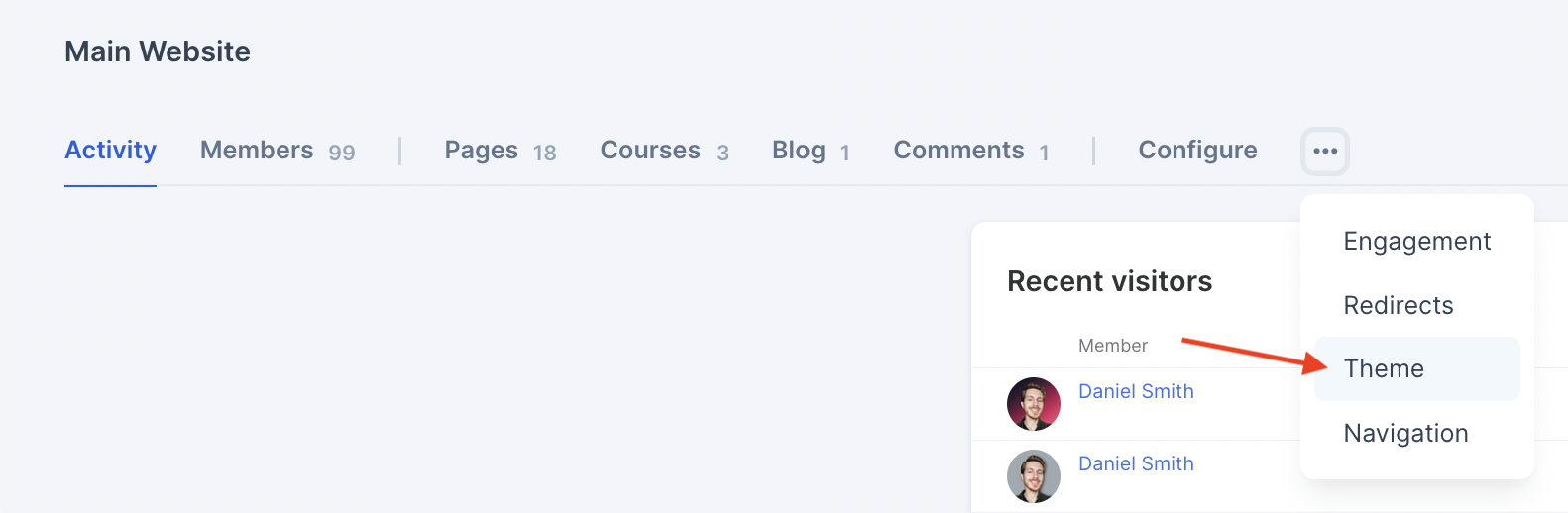
You can also set up Redirects, customise Engagement Badges by clicking the three dots next to the Configure tab.
To customise the style, layout and navigation of your website, this will depend on whether you’re using the New Community Experience or the Legacy Experience.
If your Site uses the New Community Experience - head to this guide.
If your Site uses the Legacy Experience…
You’ll know this by heading to Site > Configure > Name and title and seeing the Legacy toggle turned ON:

When you turn it off, the toggle moves down to the bottom of the page under Advanced Settings:

With the Legacy toggle turned ON….
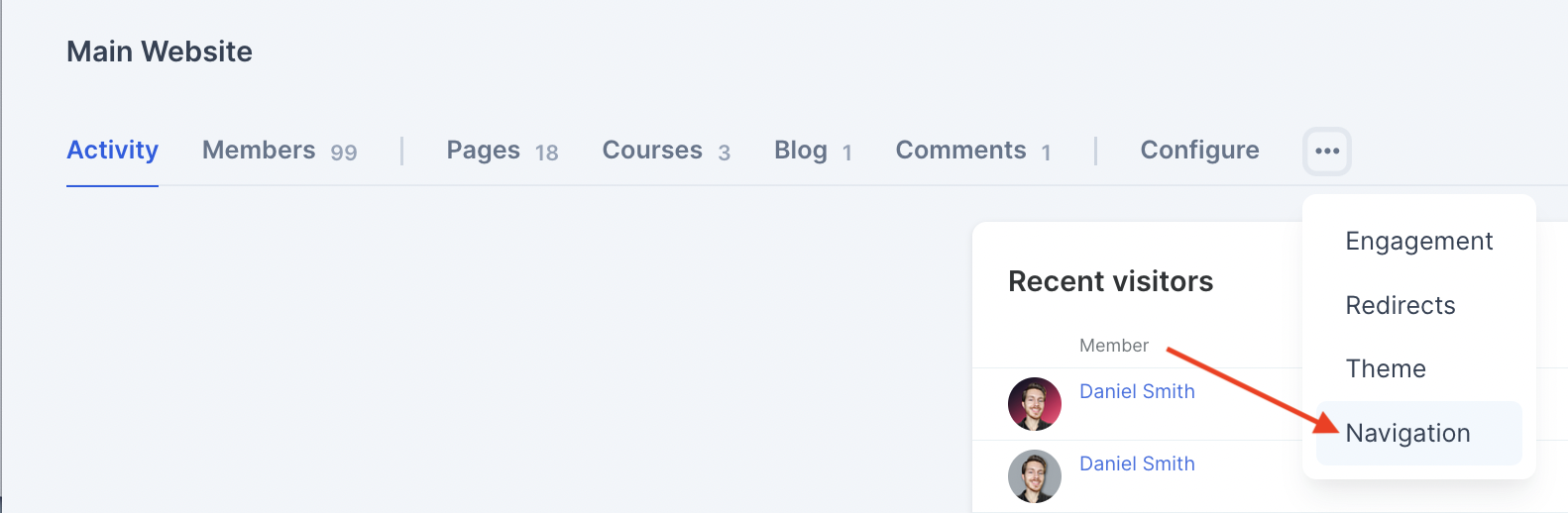
You can configure the Site navigation/footer links by pressing the three dots and choosing Navigation from the dropdown:
You can configure the Style (colours, fonts, etc) by pressing the three dots and selecting the Theme from the dropdown: