

Embedded form Designs
Do you want to create unique opt-in forms that represent your brand? Read on to learn how you can do just that in Simplero!
Customize Your Embedded forms Templates
You can create, design, and customize your opt-in templates in your Account settings >> Marketing section: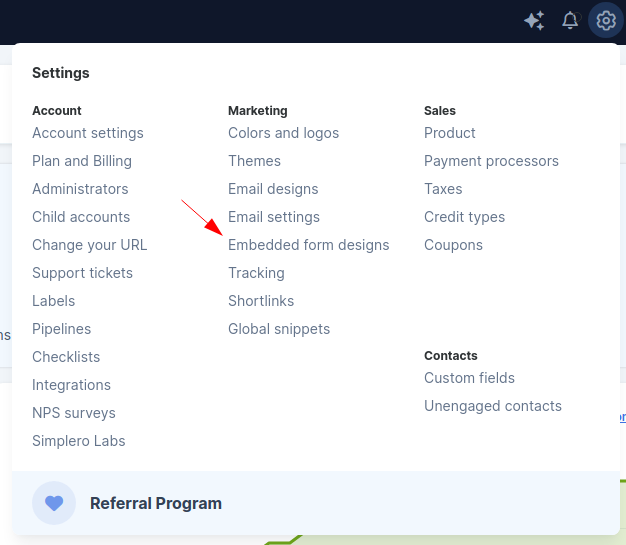
Create Your Own Embedded form Design
Duplicate an existing design using the Duplicate icon below:
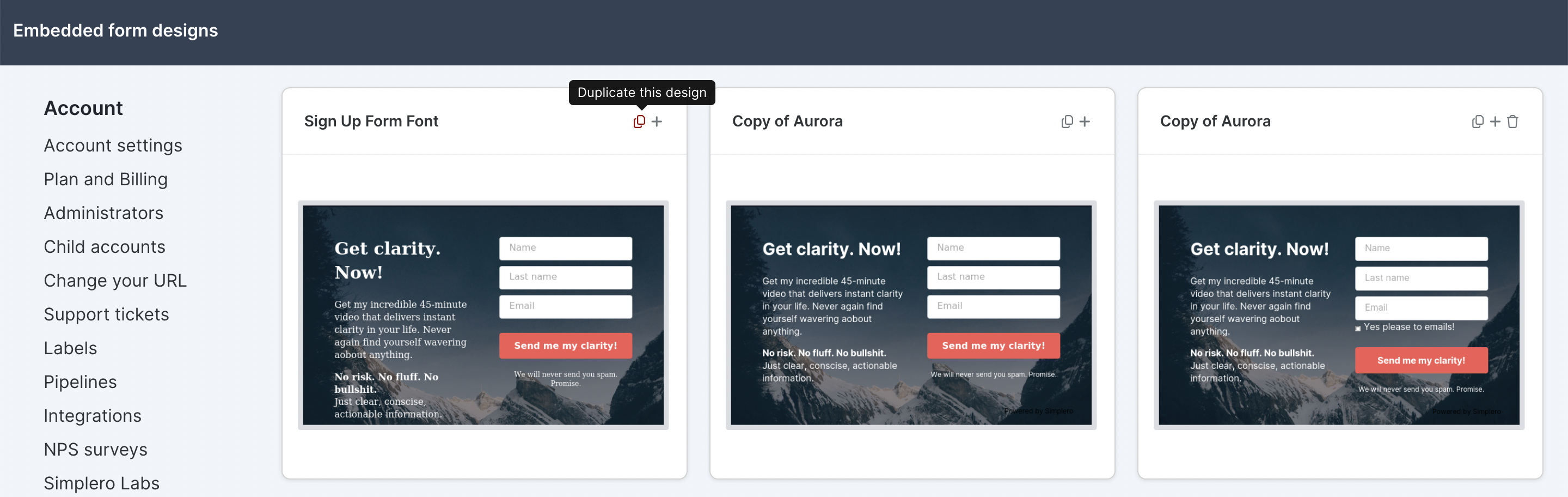
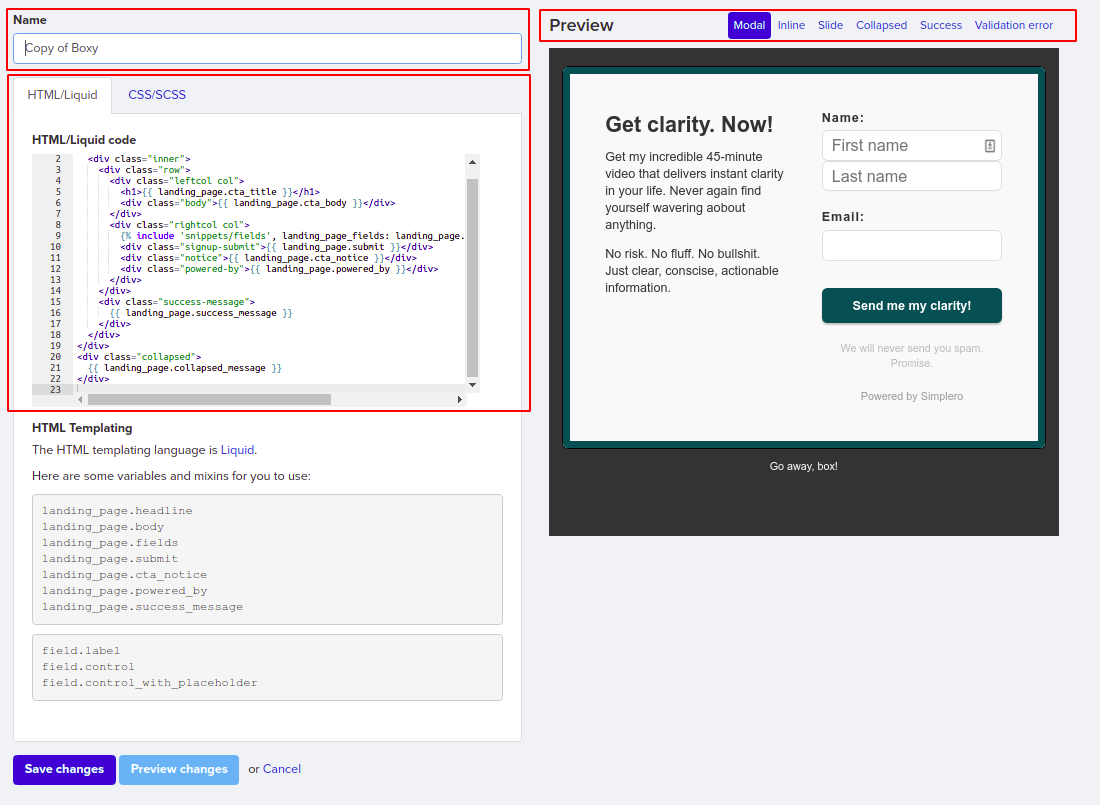
The new template will generate using your current Branding colours. You can overwrite the preview, name, HTML and CSS code, and save the new copy:
Add a New Landing Page Using a Template
Click on the plus sign at the top right of the template you want to use to create a new landing page:
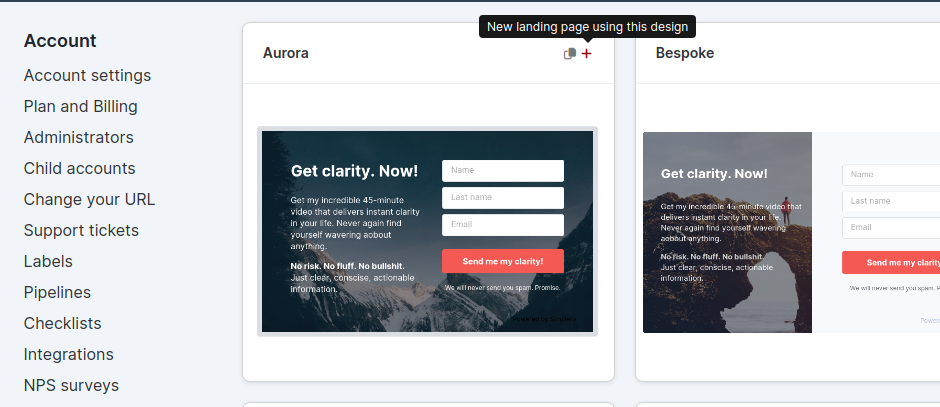
This will take you to the new landing page settings. Follow the instructions to complete your new landing page setup using this guide.
If you need any help with customizing your opt-in templates, reach out to our Support team. We'd love to help you!
