

Email Designs
Create an Email Design (AKA Template)
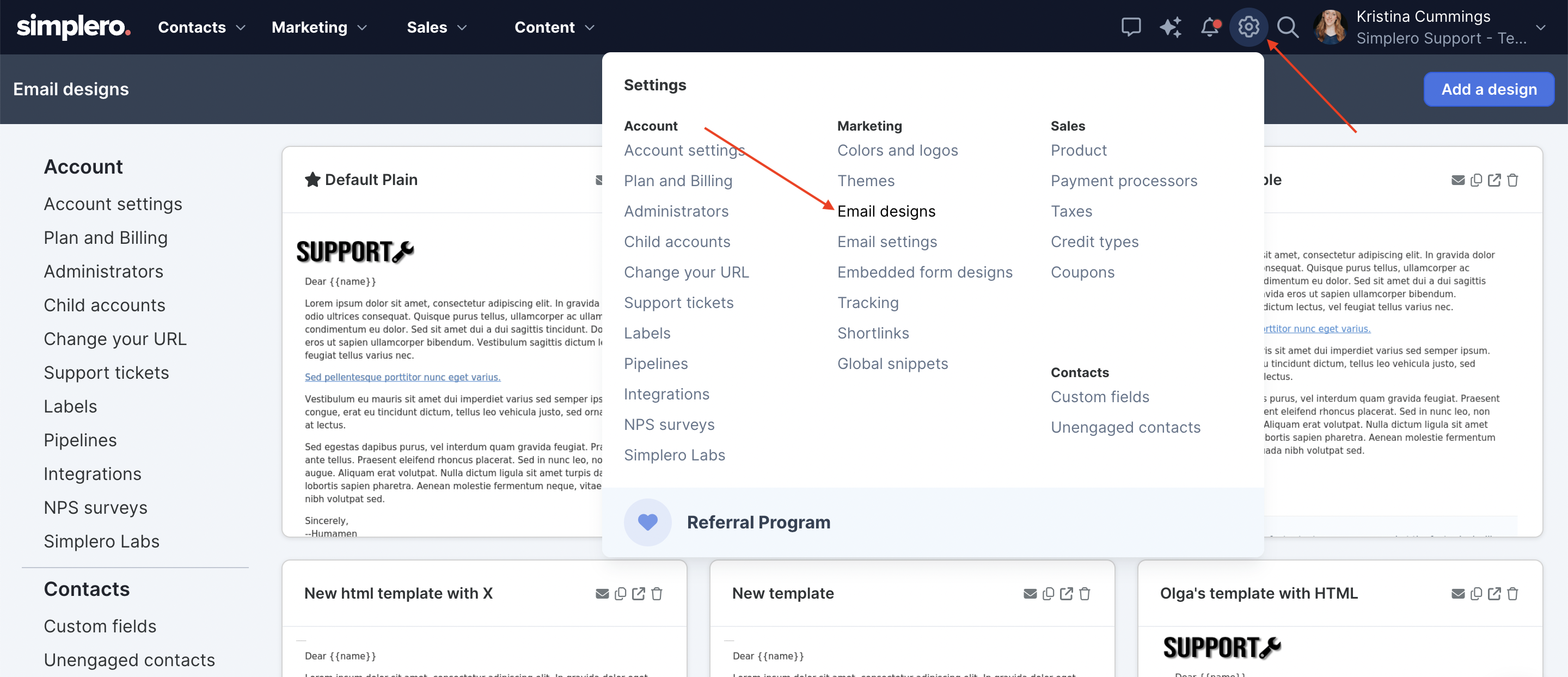
Select Settings from your Simplero Dashboard
Select Email Designs from the dropdown menu:
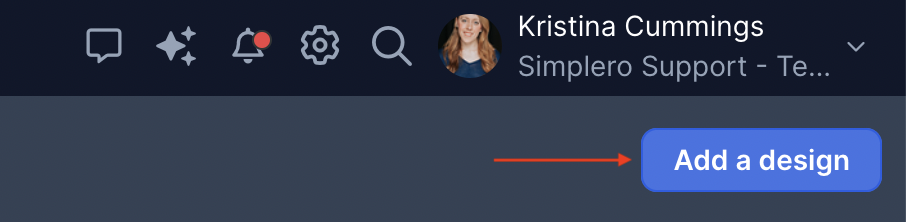
Click the Add a design button in the upper right corner:
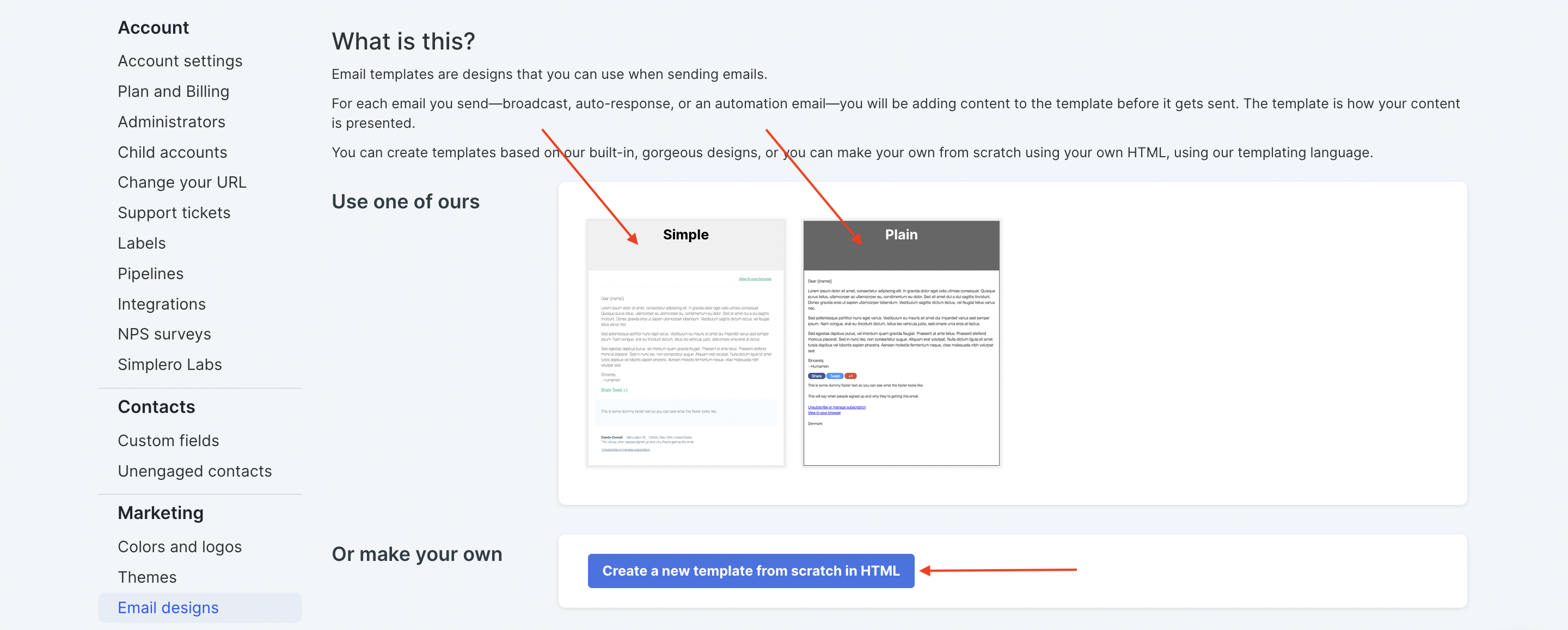
Choose either our Simple or Plain template as your starting point (see below for next steps) or select the blue Create a new template from scratch in HTML button (see below for next steps):
-
For the Simple or Plain template:
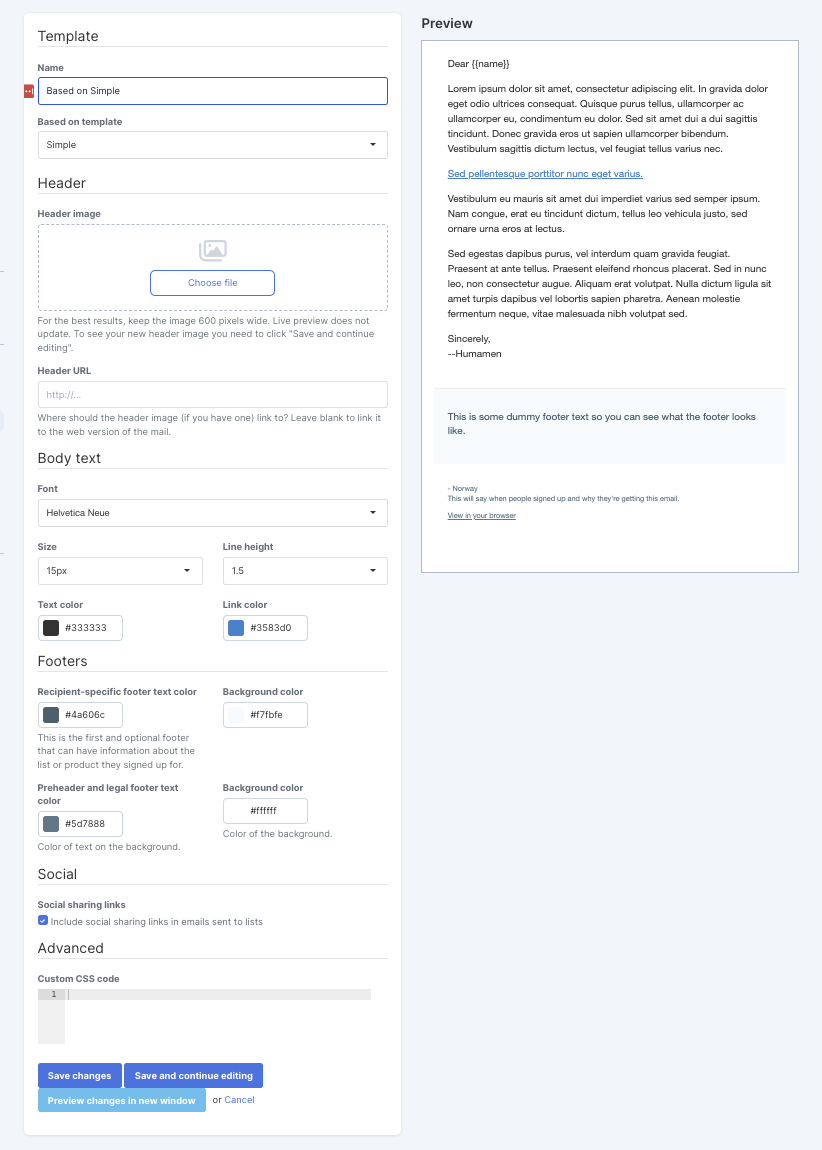
Complete the options in the screen to give your template a name, load a header image, adjust the colours to your branding etc.
You can see a Preview of your template on the right side of the screen or click the Preview changes in a new window button on the bottom of the page.
Scroll down to the bottom and click the blue Save changes when you're done or Save and continue editing button if you want to edit some more.
-
To Create a new template from scratch in HTML, you will need to know HTML or have a knowledge of how HTML works:
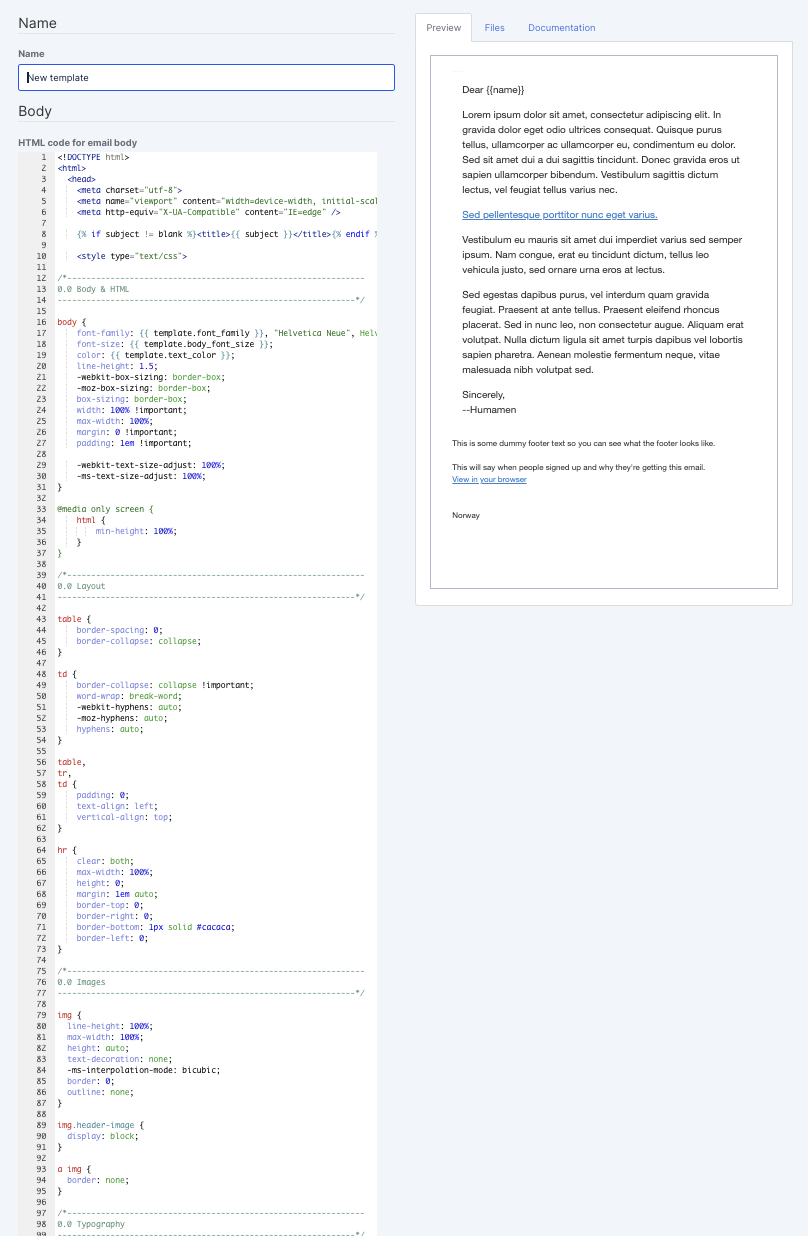
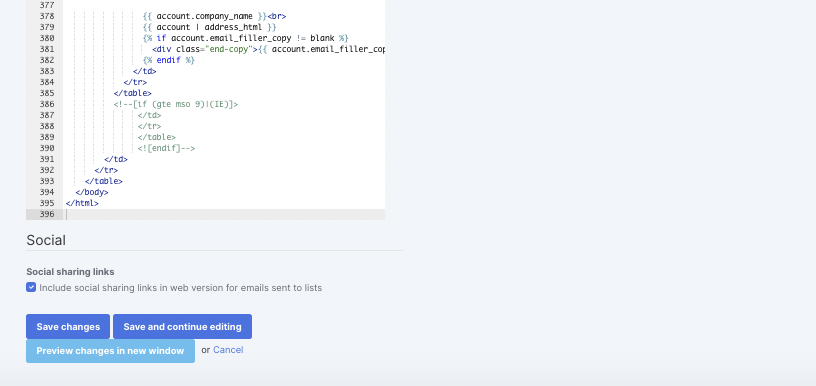
Give your template a name and adjust your HTML code as needed.
You can see a Preview of your template on the right side of the screen or click the Preview changes in a new window button on the bottom of the page.
Scroll down to the bottom and click the blue Save changes when you're done or Save and continue editing button if you want to edit some more.
Note: Simplero team will not be able to offer support in creating and troubleshooting HTML templates
What happens if I delete an E-mail template?
We know a business is an ever-growing ever-evolving life form. It is your baby and you want the best for it and so do we.
So there will be times when you’ll just want to flat out delete an old email template and that’s okay! You go right ahead and do that. If the template is still being used somewhere, the system will automatically switch to using the current default template in your account.
