

Password Security
Changing your password
Go to your Simplero account by clicking on your picture/name located on the top right corner of your Simplero Dashboard and then select Your profile

Select the Security tab

-
Enter your information to Change password
Current password
Password - new password you want
Repeat a new password

Click on the Change password button

Two-factor authentication
Go to your Simplero account by clicking on your picture/name located on the top right corner of your Simplero Dashboard and then select Your profile
Select the Security tab
Scroll to the bottom to the Two-Factor Authentication section and click the Enable two-factor authentication button

-
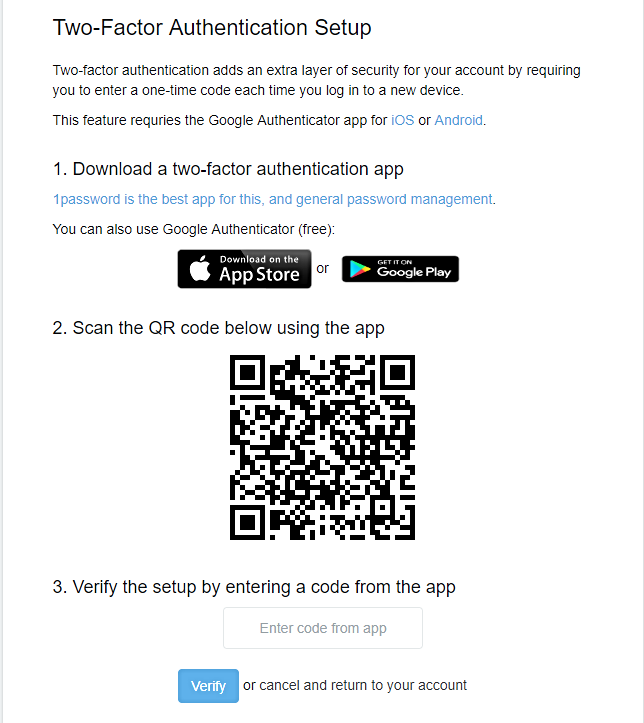
You will be taken to the Two-Factor Authentication Setup screen and you will need to follow the steps given
You will be given the backup codes so remember to save the backup codes provided to you in a safe place:

Remember to note the backup codes provided to you in a safe place. If you happen to lose your authenticator device AND the backup codes, we cannot resurrect the access to your account.
