

Create a New Funnel
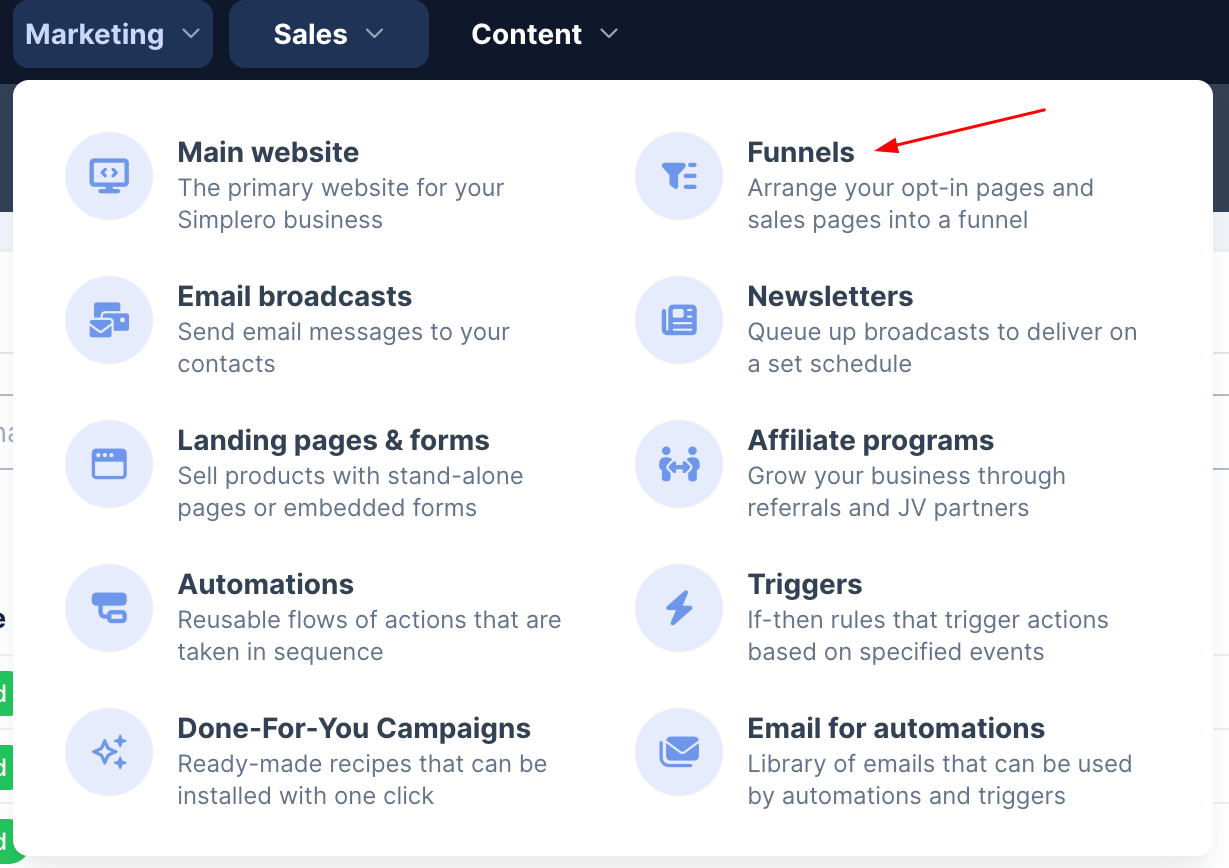
Navigate to Marketing >> Funnels and click on Create new funnel on the top right corner.
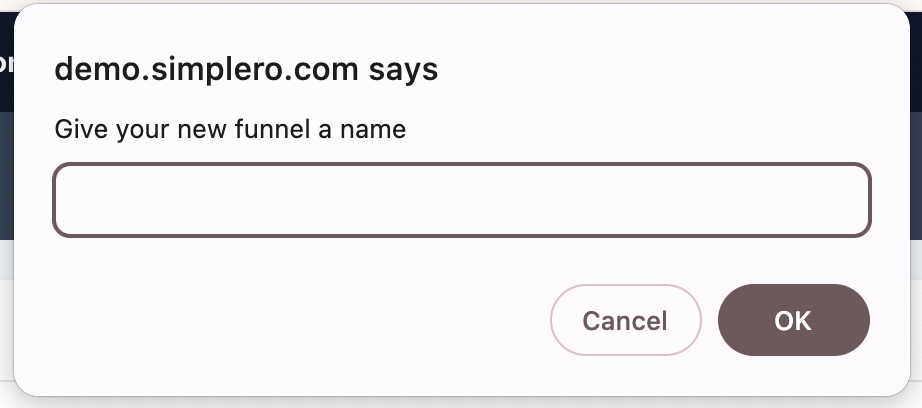
Give it a name and start building your sequence of pages:
You’ll be able to add a new Landing Page, an Order Form, a Scheduling Link, a Survey, a Split Test, or a Conditional Split: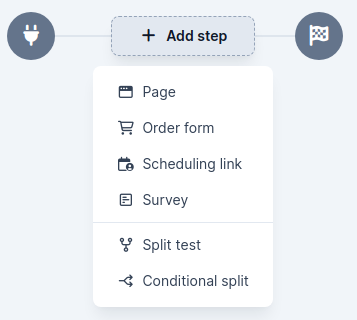
Reorder the steps using the dragging icon (the 6 grey dots). Hover on the step to access the landing page editor, its settings, or to view it on your browser:
Note that any custom thank you pages will be ignored, and instead, the user will get redirected to the next step on the funnel.
Other functionalities on the funnel builder…
Duplicate a step to the next step or delete a step using the … menu on each step card: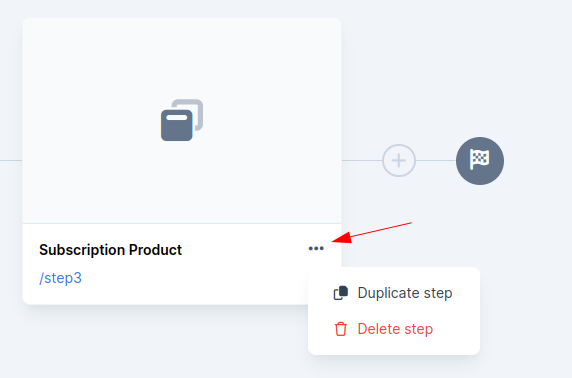
Duplicate/delete the funnel on the builder by selecting the three dots in the top right corner: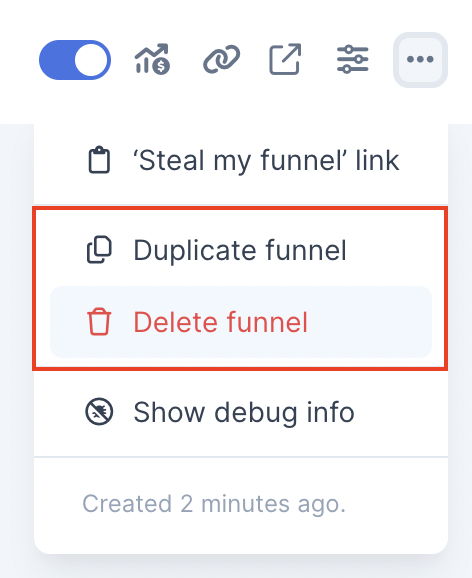
Edit the funnel name on the page breadcrumb directly in the top left corner: 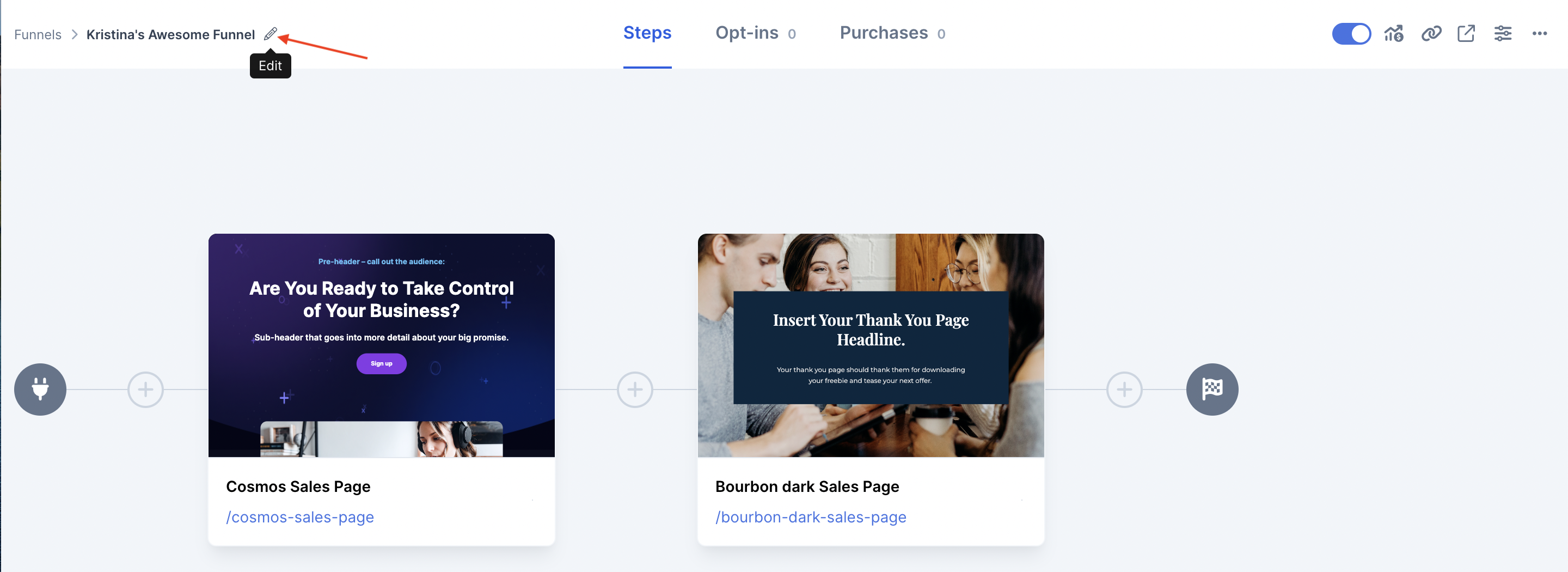
Additional Notes:
Landing pages used in a funnel won’t have the ‘Live’ setting in the landing page settings page. You can’t turn them Off if they are included in a funnel :)
